

Product Overview
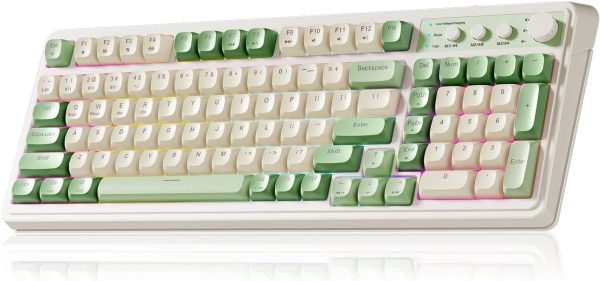
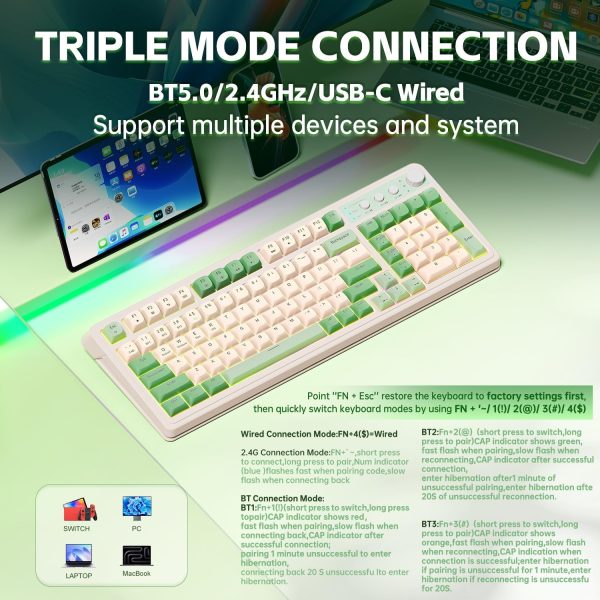
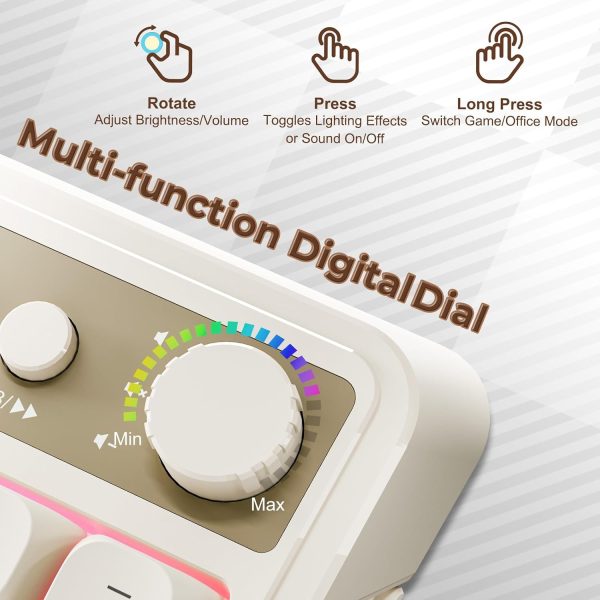
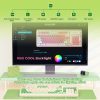
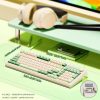
The AULA S99 is a 96% layout membrane keyboard that combines a retro typewriter look with a built-in numeric keypad. It connects in three ways: Bluetooth 5.0, 2.4GHz wireless, and USB-C wired, so you can move between devices without swapping keyboards. A dual-mode rotary knob handles volume, audio, and lighting adjustments, and the foldable two-stage stand lets you set the typing angle to suit your desk setup.
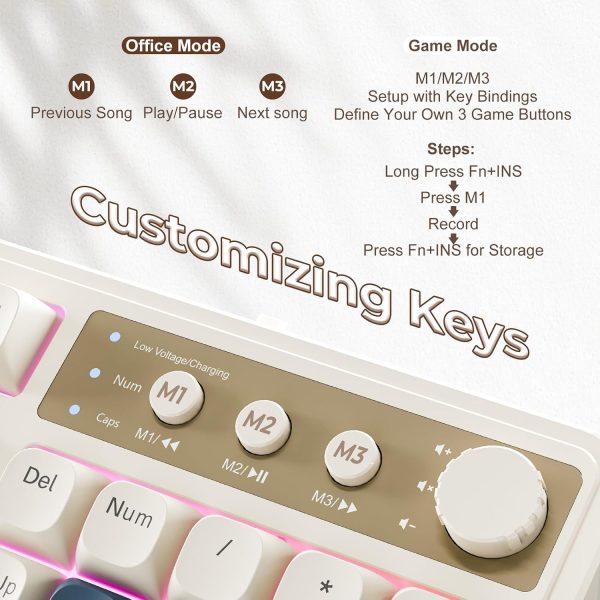
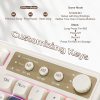
The keyboard supports full-key macro programming, including three dedicated shortcut keys (M1/M2/M3), for recording and triggering custom commands. It is aimed at people who want one keyboard for both work and play, and who prefer a tactile membrane typing feel rather than a mechanical switch.
Key Features
-
Triple Connectivity
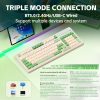
Switch between Bluetooth 5.0, 2.4GHz wireless, and USB-C wired connections to suit office, gaming, or mobile use.
-
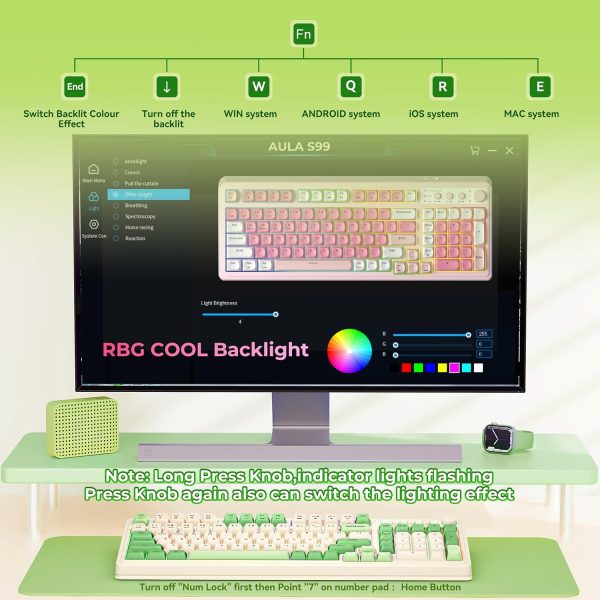
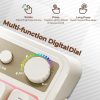
Dual-Mode Rotary Knob
Use the knob to adjust volume, audio, and lighting effects without leaving your current task.
-
Full-Key Macro Programming
Record and edit macros across all keys, programming complex action sequences onto a single key. The three shortcut keys (M1/M2/M3) let you set up personalised functions for quicker access.
-
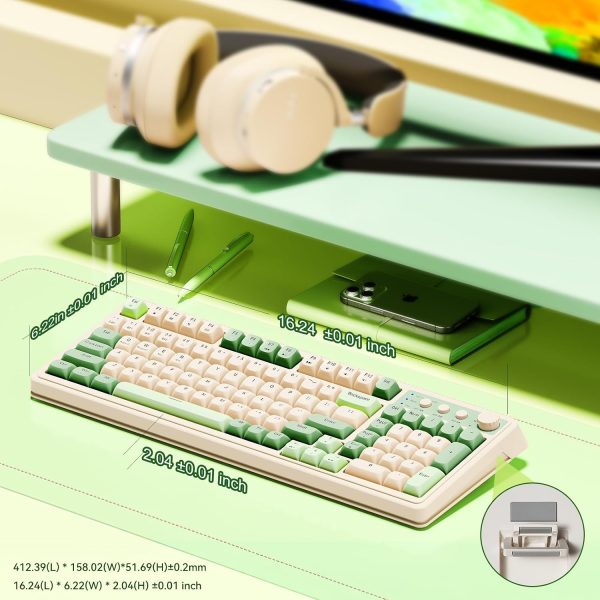
96% Layout with Numeric Keypad
A compact layout that keeps the numeric keypad while freeing up desk space, with a retro aesthetic and modern construction.
-
Adjustable Typing Angle
The foldable two-stage stand lets you change the keyboard angle to reduce wrist pressure during longer sessions.
-
Multi-Platform Compatibility
Works with Windows XP/7/8/10, Mac, Android, and iOS. Please note: this is a membrane keyboard and does not support hot-swapping.
Suitable For
- Office and home working where a numeric keypad is needed
- Gaming sessions that benefit from macro shortcuts
- Users who switch between desktop, laptop, and mobile devices
- Anyone who prefers a retro typewriter style with a membrane key feel
Care Information
- Wipe the keyboard surface with a soft, dry or slightly damp cloth. Do not use harsh chemicals or excess water.
- Keep the keyboard away from direct sunlight, heat sources, and liquids.
- When using wireless modes, store the keyboard in a dry place and keep the USB-C cable in good condition for wired use.
- Do not attempt to dismantle the keyboard or remove keys for cleaning, as this model does not support hot-swapping.
Customer Support
This product includes a 1-year after-sales service period covering quality issues and usage questions. If you need help with setup, connectivity, or the macro software, please contact our support team and we will assist you.
Details provided here are based on the manufacturer’s product information. Actual performance and compatibility may vary depending on your device and operating system. Please check your device specifications before purchase.
Reviews
There are no reviews yet.