



Product Overview
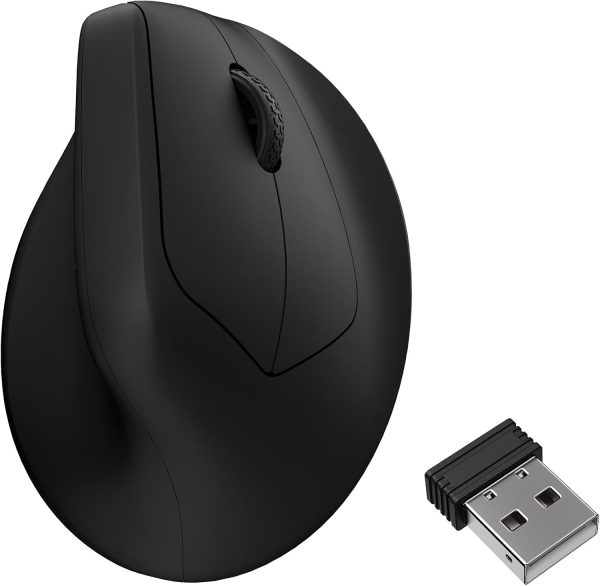
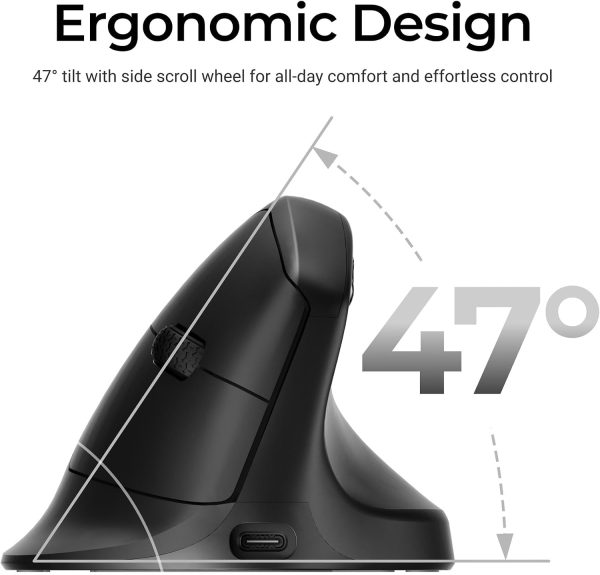
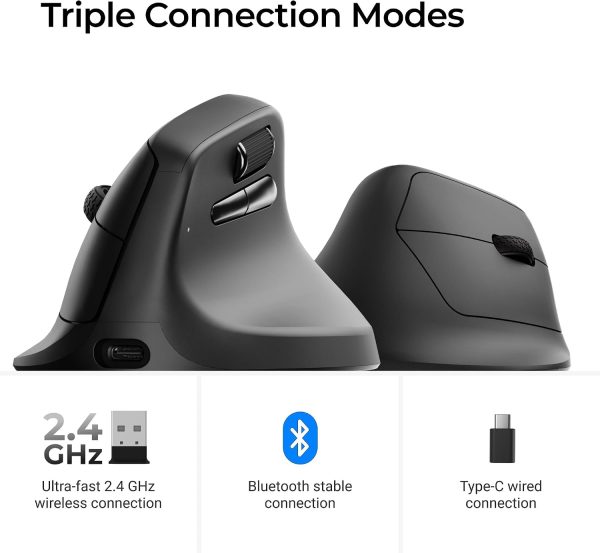
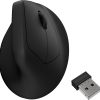
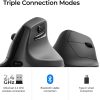
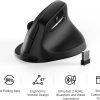
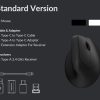
The M5 Wireless Ergonomic Mouse is a vertical mouse built around a 47° angle, designed to keep your hand in a more natural handshake position rather than a flat one. It uses a PixArt 3950 sensor and connects either by 2.4 GHz wireless or Bluetooth 5.1.
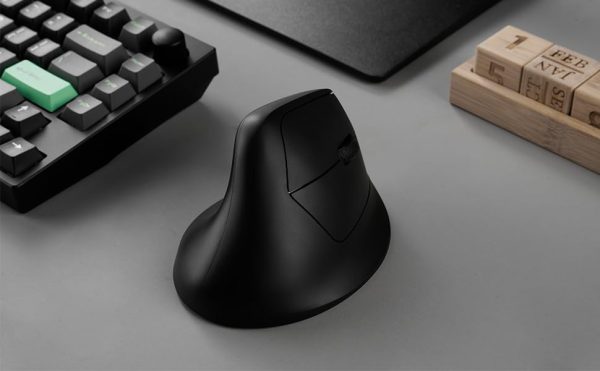
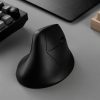
The body has a smooth curve throughout, with a thumb rest on the side that follows the shape of your palm. This makes it comfortable to hold for longer stretches — whether you’re working through a full day at a desk, gaming, or travelling with a laptop.
Settings can be adjusted through the online Launcher web app: remap keys, set shortcuts, create macros, and fine-tune lift-off distance, polling rate and DPI. Five on-board memory profiles let you move between different apps or computers without reconfiguring each time.
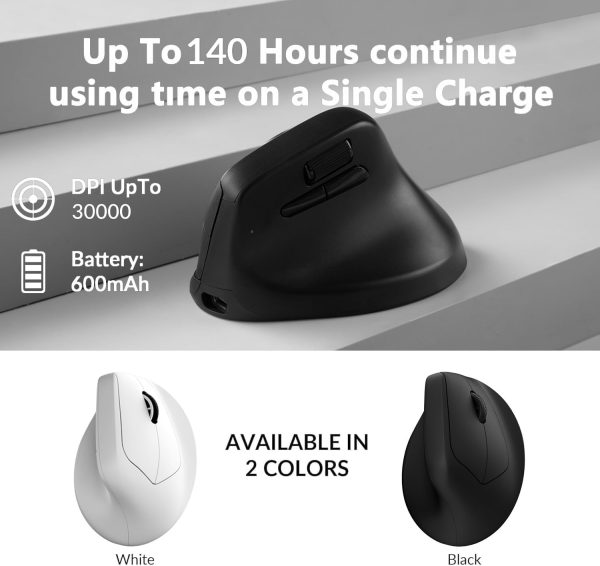
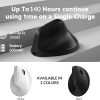
A 600 mAh battery gives up to 140 hours of use in Bluetooth mode and up to 120 hours at a 1K polling rate, so charging isn’t a daily task.
Key Features
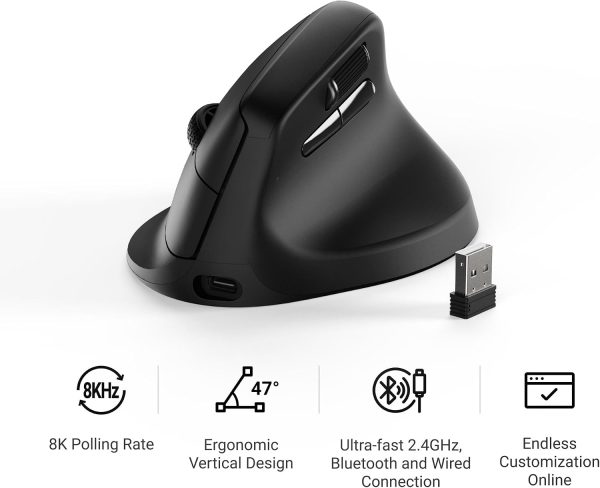
- PixArt 3950 sensor: Up to 30,000 DPI, 750 IPS and an 8K polling rate for precise tracking.
- 47° vertical angle: Keeps your wrist in a more natural position and helps reduce strain during long sessions.
- Dual wireless: Connect via 2.4 GHz or Bluetooth 5.1, depending on your setup.
- Launcher web app: Adjust key mapping, shortcuts, macros, LOD, polling rate and DPI online — no download required.
- Five on-board profiles: Save different configurations and switch between apps or computers easily.
- Long battery life: The 600 mAh battery delivers up to 140 hours in Bluetooth mode and up to 120 hours at 1K polling rate.
Suitable For
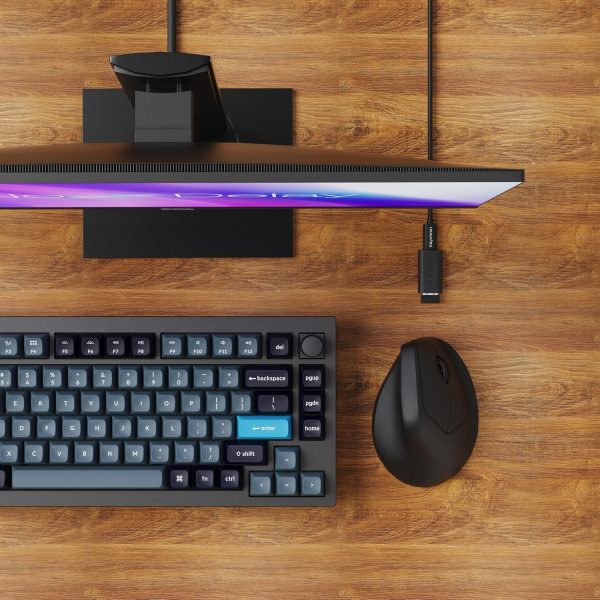
This mouse suits anyone who spends long hours at a computer and wants a more natural hand position — office and home workers, gamers, and people who regularly move between devices. The vertical shape and thumb rest are particularly useful if a flat mouse causes you wrist or palm discomfort over the day.
Care Information
Wipe the surface with a soft, dry or slightly damp cloth. Avoid solvents, alcohol-based cleaners and abrasive materials, which can damage the finish. Keep the sensor area free of dust and debris. Charge using a standard USB power source and store the mouse in a dry place when not in use.
Customer Support
If you have any questions about the M5 Wireless Ergonomic Mouse before or after purchase, please contact us and we will do our best to help.
Please note: product details are based on information provided by the manufacturer. Actual performance may vary depending on your device, connection type and usage conditions.
Reviews
There are no reviews yet.